


You can check your SolusVM VPS status and determine whether the VPS is offline or online. You can find out VPS status from the client area or from the SolusVM 1 Control Panel.
1. Log in to your SolusVM 1 Control Panel.
2. If you have multiple VPSs, select the appropriate one.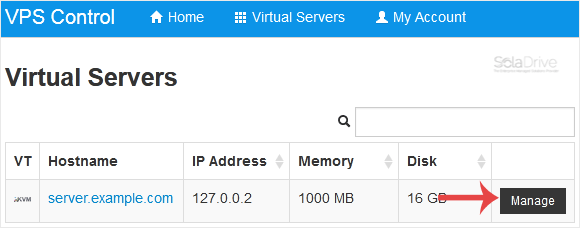
3. Under the VPS hostname, you can view the VPS details such as Status, Bandwidth, etc. If the status is offline, it means that your VPS is offline.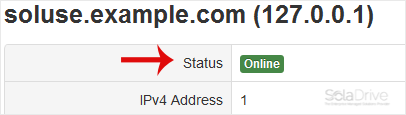
Now you know how to check your VPS status in SolusVM 1.